CruiseMap social my cruise
Your cruise.
Your route.
Your memories — on a single map.
Turn your cruise into a personal CruiseMap that tells the whole story at a glance: your route, your photo, your ship, every port and the distance you sailed. Perfect to share — or simply to keep as your own memory.
- Real route of your ship
- Ready in just a few minutes
- No watermarks
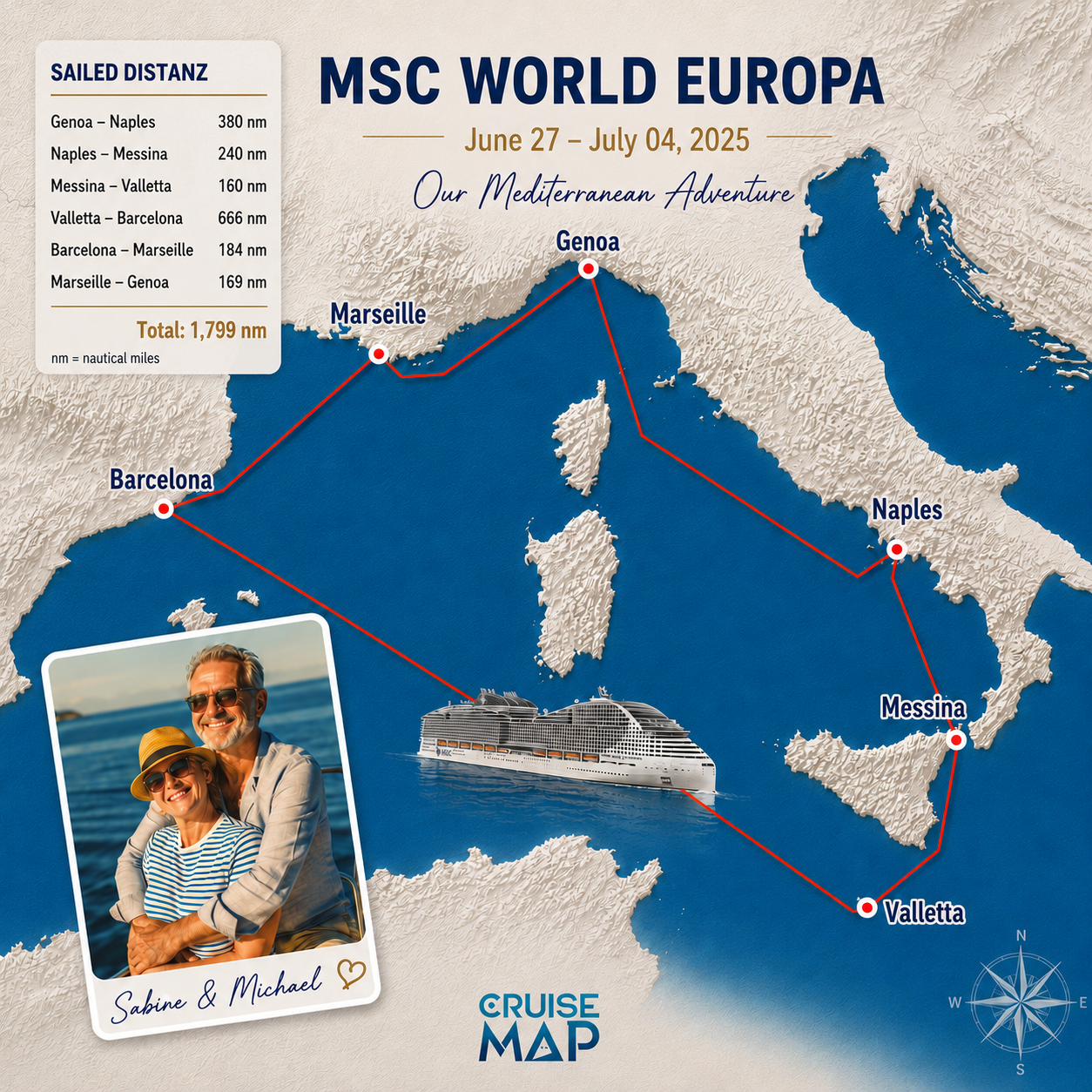
A photo captures a moment.
Your CruiseMap tells the whole journey.
Sunset on deck. The first time leaving port. A special harbour. A selfie together. A cruise leaves you with many single images — social my cruise ties them together with what holds them all: your journey across the sea.
From your trip data we create a custom-designed nautical map with your real route and every port. Then we add your photo, your name, your own words and an illustration of your ship.
Your map, your elements
What makes your CruiseMap personal
Four personal elements turn a nautical chart into your travel story. In the CruiseMap wizard you pick which ones go on your map.
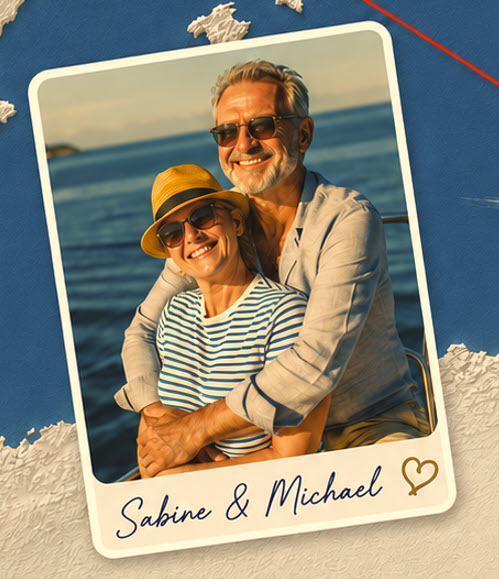
Your selfie
Your photo — solo, as a couple or with the whole family — is placed as the emotional centrepiece, blended into the map design.
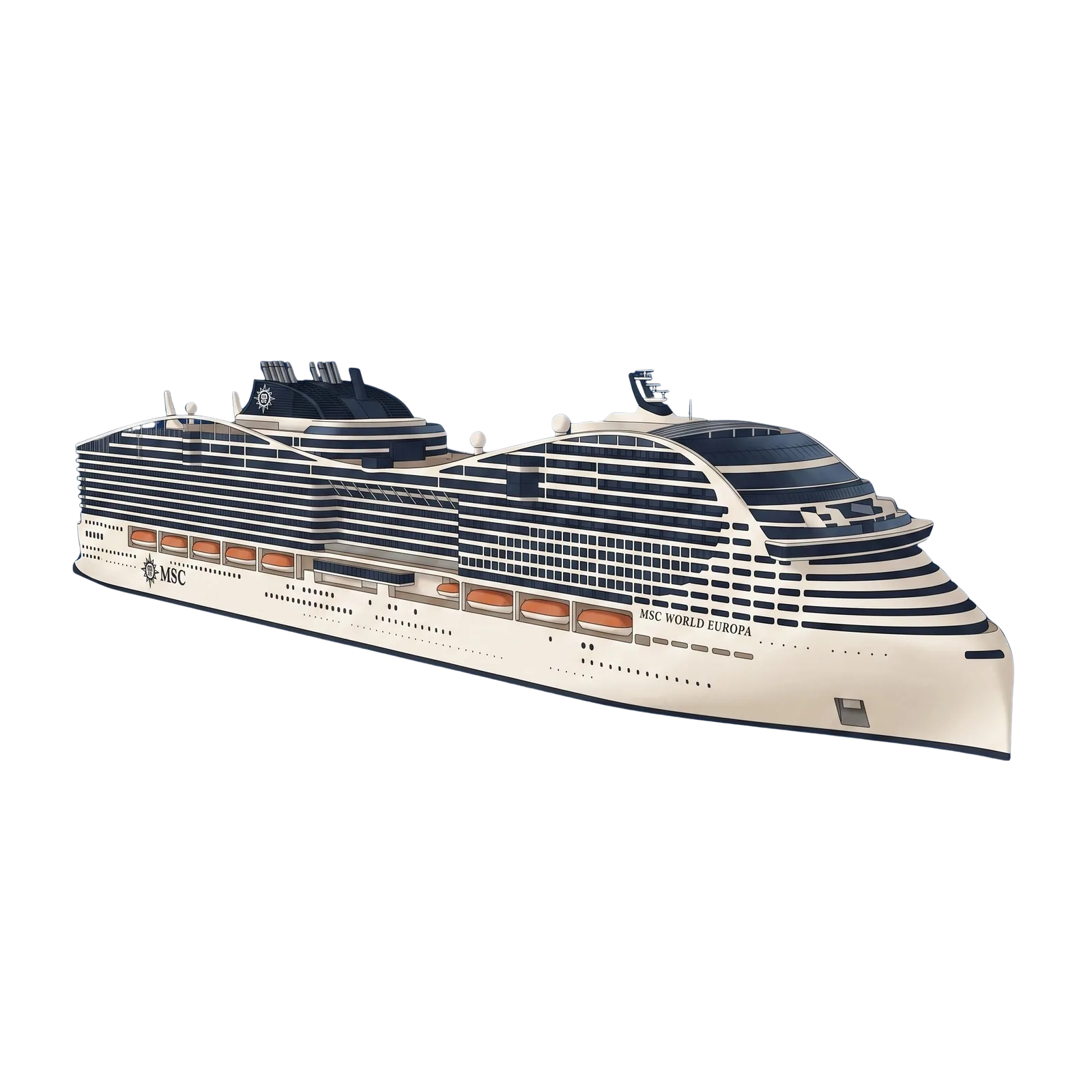
Your ship illustration
A hand-drawn illustration of your ship shows at a glance who you sailed with — not a stock photo, but your ship.
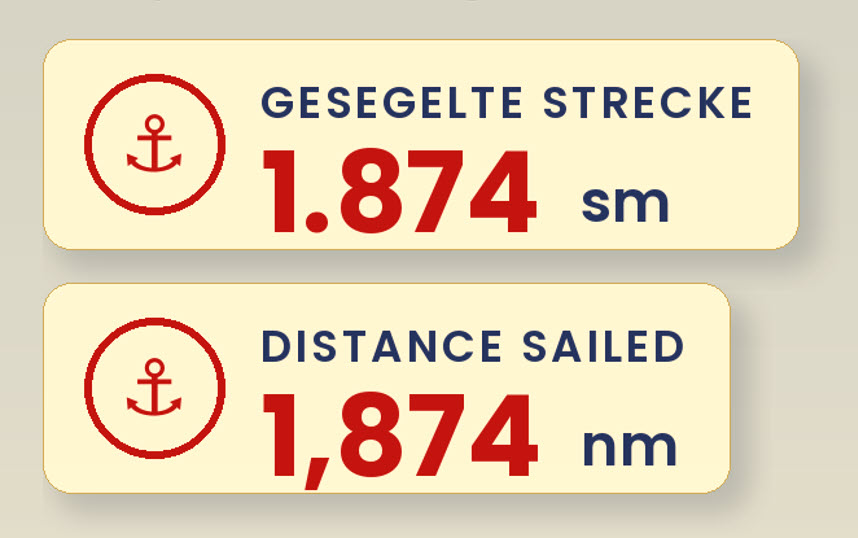
The distance you sailed
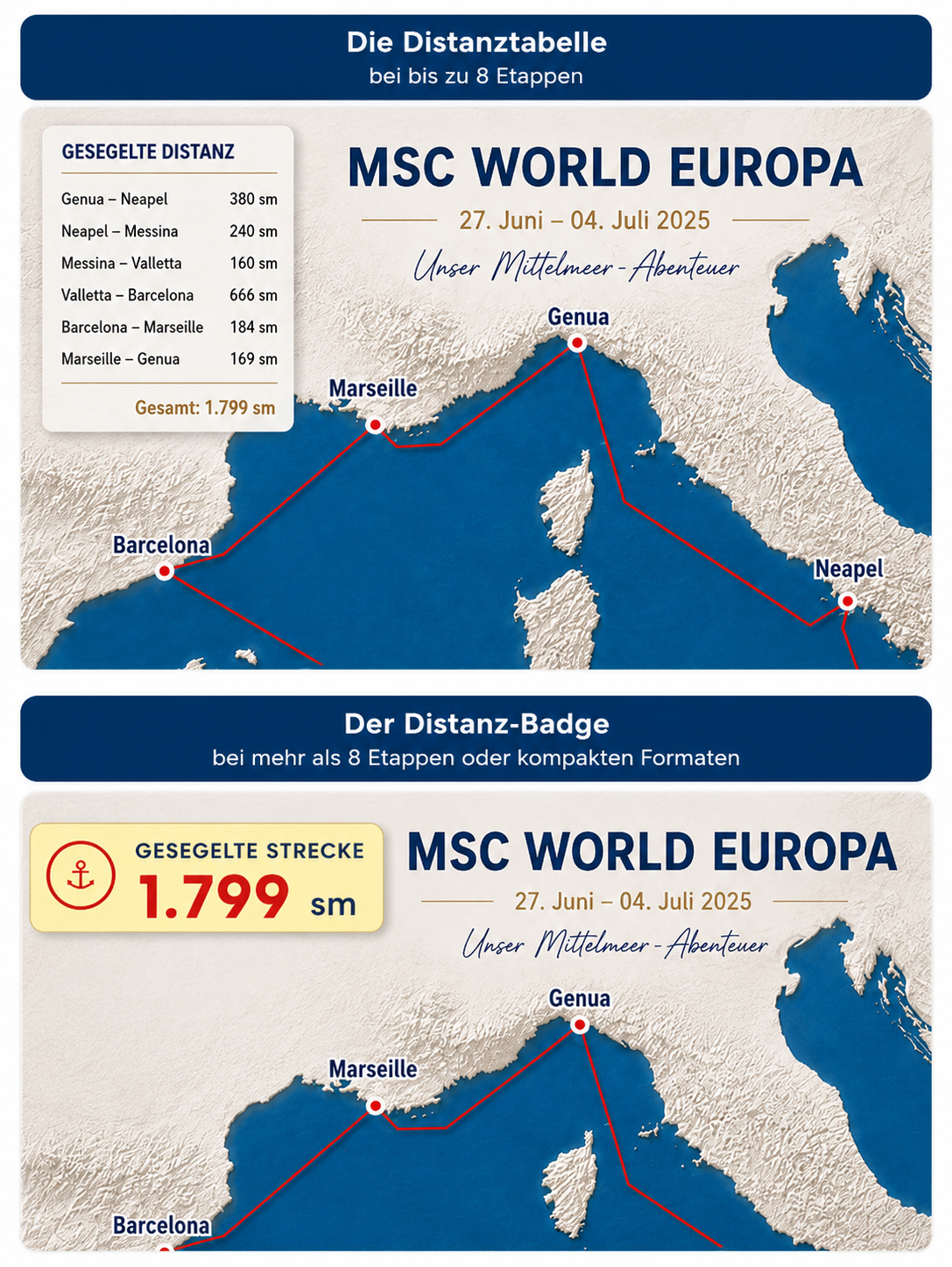
Port by port, or as one grand total at a glance — your journey gets a number you can be proud of.
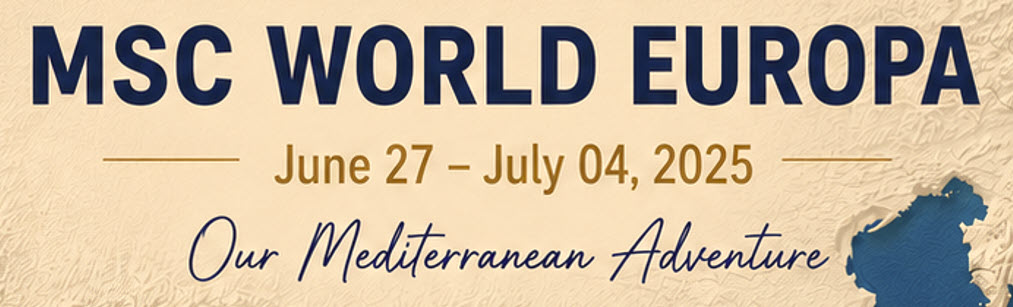
Your name & your slogan
Give your trip a title — for example "Our Mediterranean adventure" — and put your name on the map.
Legs or total distance
Distance table or distance badge?
In the wizard you only answer one simple question: Would you like to see the distances between your ports? How the distance is shown is then decided by your map itself — matched to your route and your format.
For journeys with a manageable number of legs and enough room in the format: every leg from port to port, cleanly listed — including the grand total.
For journeys with many stops or in compact formats: the full distance sailed as one elegant number — so the route and the photo keep the stage.
Your ship on your map
The wizard only asks when your ship is available
The CruiseMap wizard knows which ship you picked for your trip. If a CruiseMap illustration exists for exactly that ship, you'll see this question in the "Personalise your CruiseMap" step:
— with the name of your ship.
If your ship doesn't have an illustration yet, the question simply doesn't appear — so you're never faced with an option that isn't available for your trip. Our illustration library keeps growing, and your map remains a personal one-of-a-kind even without a ship illustration.
For every channel
Not just cropped — recomposed for your format
Social media isn't the same everywhere. That's why your CruiseMap isn't cropped to different sizes: route, photo, ship and text are rearranged for the aspect ratio you choose. And you don't need to know any pixel sizes — you just pick what you want to use your map for.
Your CruiseMap also works beautifully to share on WhatsApp — especially the portrait Story format.
How it works
Your social my cruise in three steps
The CruiseMap wizard guides you through everything — step by step, with a preview. It takes no longer than a coffee break.
- 1
Choose your trip
Enter your ship and your start and end dates, then pick your cruise. Your real route with every port appears instantly in the preview.
- 2
"CruiseMap social my cruise" — choose & personalise
Under "Digital product" pick the CruiseMap social my cruise option. The wizard then asks you a few short questions:
- Where do you want to share your CruiseMap? Pick your channel — the matching format is generated automatically.
- Would you like to add a personal photo? You'll upload your selfie in the next step.
- Should your ship appear on the map? You'll see this question if a CruiseMap illustration exists for your ship.
- Would you like to see the distances between your ports? One click — and your trip gets its nautical miles.
- 3
Review, purchase & share
You see your selection clearly under your route preview, review everything at your own pace — and right after purchase your CruiseMap is ready to download: full resolution, in your format, no watermark.
Always in view
Your selection right under your route
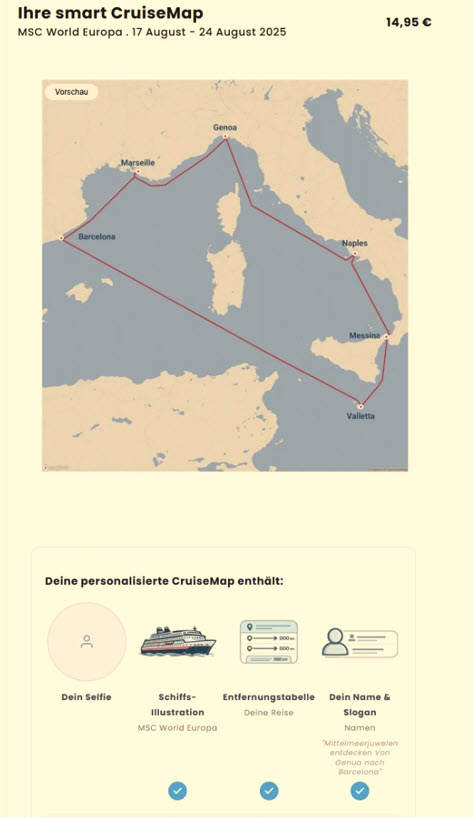
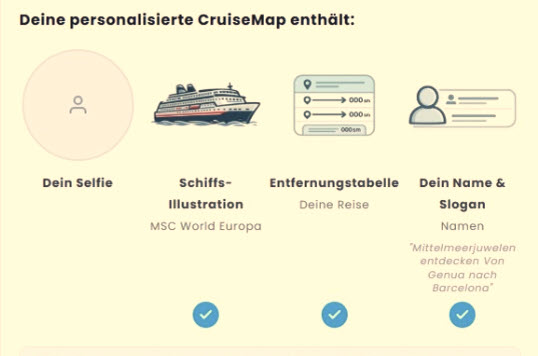
While you personalise your CruiseMap, four icons under the route preview show you at a glance what you've chosen — a check mark means: this element will be on your map.
You'll upload your photo — following the wizard flow — in the next step. After purchase, your ship illustration, selfie and distance table are placed automatically in the best spots on your map.
For the trip you don't want to forget
For couples. For families. For a first cruise as much as a twentieth. For honeymoons, anniversaries, milestone birthdays — and for every trip where later you don't just want to say "it was wonderful", but show where you were together.
Design my CruiseMap nowGood to know
Frequently asked questions
Your cruise deserves more than a spot in your phone gallery.
Design your personal CruiseMap social my cruise now — for €14.95.
Design my CruiseMap now